
After you send your first Edcite assignment, the next question is: how do you start using student data to decide what to do next?
With Edcite, you don’t have to wait until students submit.
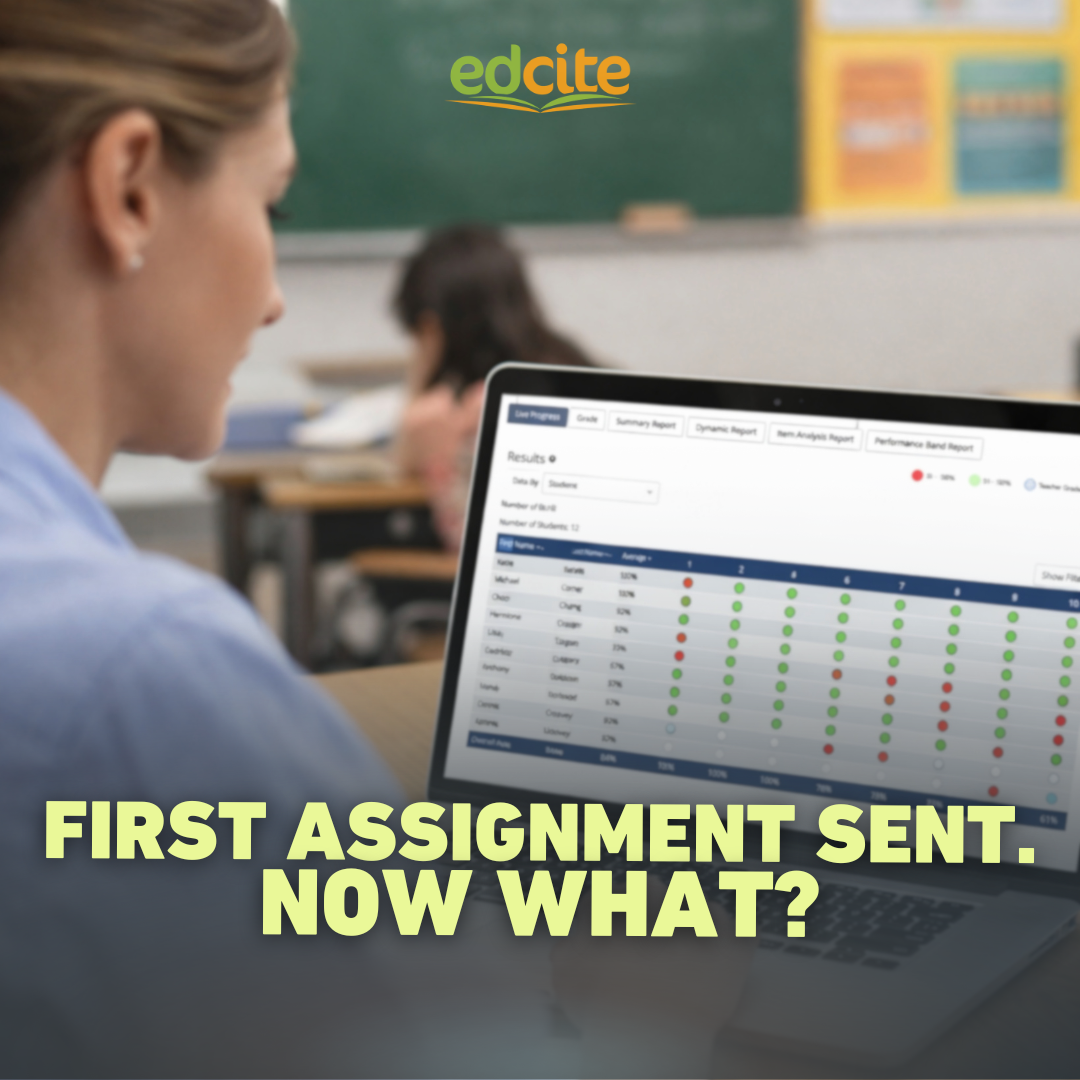
You can see student progress in real time and step in while students are working.
The goal is simple: use student data to understand how students are doing and decide what to do next.
A Simple Approach to Using Student Data
Follow these three steps to move from real-time insight to action:
1️⃣ Check the Live Progress Report while students are working
2️⃣ Scan the Summary Report for patterns after submission
3️⃣ Take one next step
Step 1: Check Live Progress
Start here, while students are still working.

Use the Live Progress Report to:
- See where students are in the assignment
- Identify who is stuck or struggling
- Step in and support immediately
For example, you might notice 5 students stuck on Question 3 while others move ahead. That’s a clear signal to step in and support that group right away.
You can quickly spot patterns at a glance:
- Green = strong performance
- Red = needs support
- Blue ring = where students are right now
This allows you to adjust instruction in the moment, not just after.
Step 2: Scan for Patterns
Once students submit, zoom out.

Use the Summary Report to quickly see:
- Which questions students struggled with
- Which standards may need attention
- Overall class performance
This is where using student data helps you move quickly from patterns to clear instructional decisions.
Step 3: Take One Next Step
Keep it simple. Choose one action based on what you see:
- Reteach a question
- Pull a small group
- Assign a quick follow-up
- Adjust your next lesson
You don’t need to do everything at this point: just take one clear next step.
Why This 3 Step Approach Works
✔ The Live Progress Report gives you insight while students are working
✔ The Summary Report keeps analysis quick and manageable
✔ Both reports connect data directly to instruction
Most importantly, it turns student responses into immediate action.
Try This with Your Next Assignment
Put this into practice:
1️⃣ View Live Progress while students are working
2️⃣ After submission, open the Summary Report
3️⃣ Identify one need and take one next step
That’s it: real-time insight, quick analysis, and immediate instructional action.
When you act on student data in the moment, you can address misunderstandings early and help more students stay on track before small gaps turn into bigger ones.
Learn More
Want to see this in action? Explore these quick video walkthroughs:
➡️ Live Progress Report Tutorial: Monitor students in real time and step in while students are working
➡️ Summary Report Tutorial: Identify patterns and plan next steps after submission
Leave a Reply